
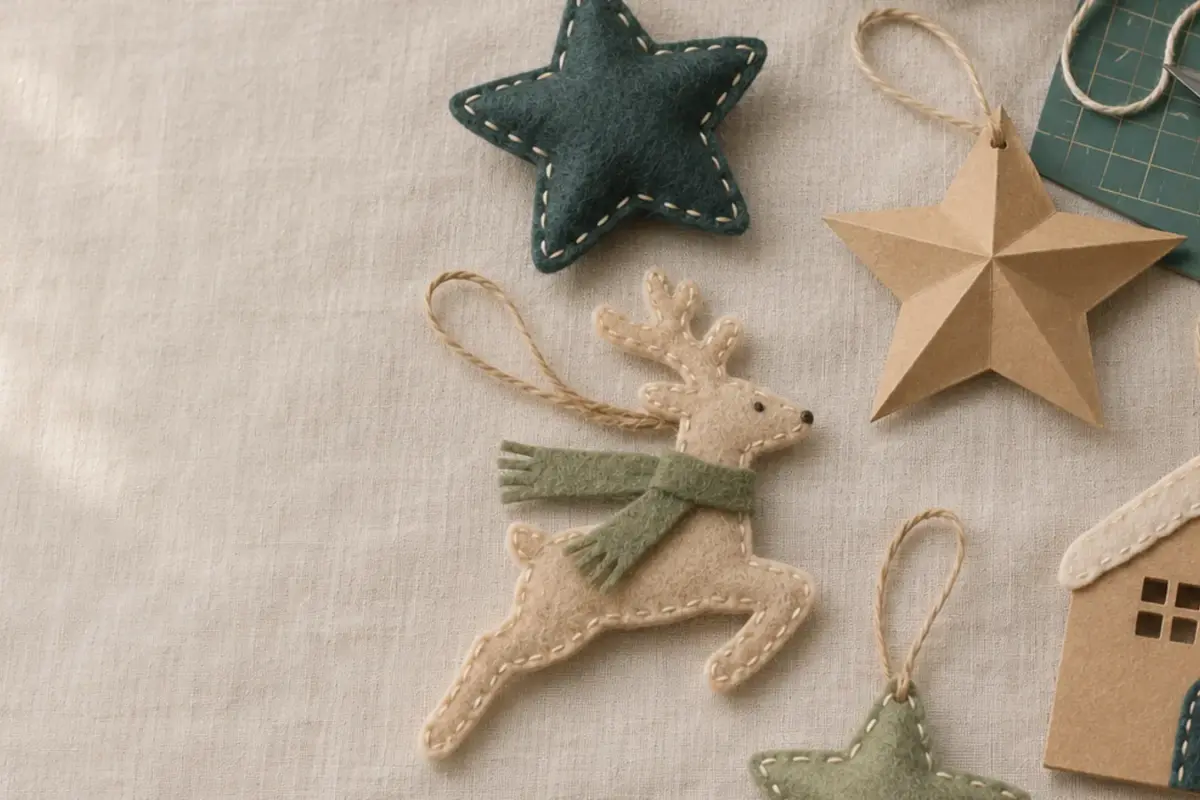
Christmas Craft Planning Calendar for Small Sellers
Christmas orders come in a short window, but making them takes ordinary time: test cuts, material ordering, photos, listings, assembly, packing, and…
Single-layer and layered SVG cut files for Cricut and Silhouette, made for vinyl, cardstock, and heat transfer vinyl (HTV). Each design starts as a hand…
Single-layer and layered SVG cut files for Cricut and Silhouette, made for vinyl, cardstock, and heat transfer vinyl (HTV). Each design starts as a hand drawing and is traced and cleaned into tidy vector paths. DXF files and PNG previews are included where listed.
These cut files are made for home crafters and small shops working with vinyl, cardstock, and heat transfer vinyl. Check your machine's capabilities before cutting specialty materials such as thin wood veneer. Open SVG files in Cricut Design Space or Silhouette Studio Designer Edition or higher.
How to Choose
Check the included formats: SVG for Cricut Design Space and DXF for Silhouette Studio Basic Edition, where listed.
Match the level of detail to your material. Tiny shapes can be harder to cut from cardstock and weed from vinyl.
Check the layer count. Single-layer designs are quicker to cut; layered designs may need several material colors and extra assembly.
Read the size note, then scale before cutting.
Pick the license tier that fits what you plan to make.
New designs are added to the shop as they are finished. Browse the full shop in the meantime.
Any cutter that imports SVG, including Cricut Maker, Explore, and Joy, Silhouette Cameo (Silhouette Studio Designer Edition or higher), and Brother ScanNCut.
Silhouette Studio Basic Edition cannot import SVG files. Use the DXF file if it is included, or upgrade to Designer Edition or higher.
Yes. SVG files scale without losing resolution, but very small details may become harder to cut or weed.
Yes, with a Commercial license or Extended license. See our Licenses page for the limits and permitted uses.
Christmas orders come in a short window, but making them takes ordinary time: test cuts, material ordering, photos, listings, assembly, packing, and…
The best first material is one that teaches you how the machine cuts without adding too many other steps. Medium-weight cardstock, smooth…
Canva is handy when a printable needs a name, date, or short line of text. It can also change page size or…