



Christmas Craft Planning Calendar for Small Sellers
Christmas orders come in a short window, but making them takes ordinary time: test cuts, material ordering, photos, listings, assembly, packing, and…
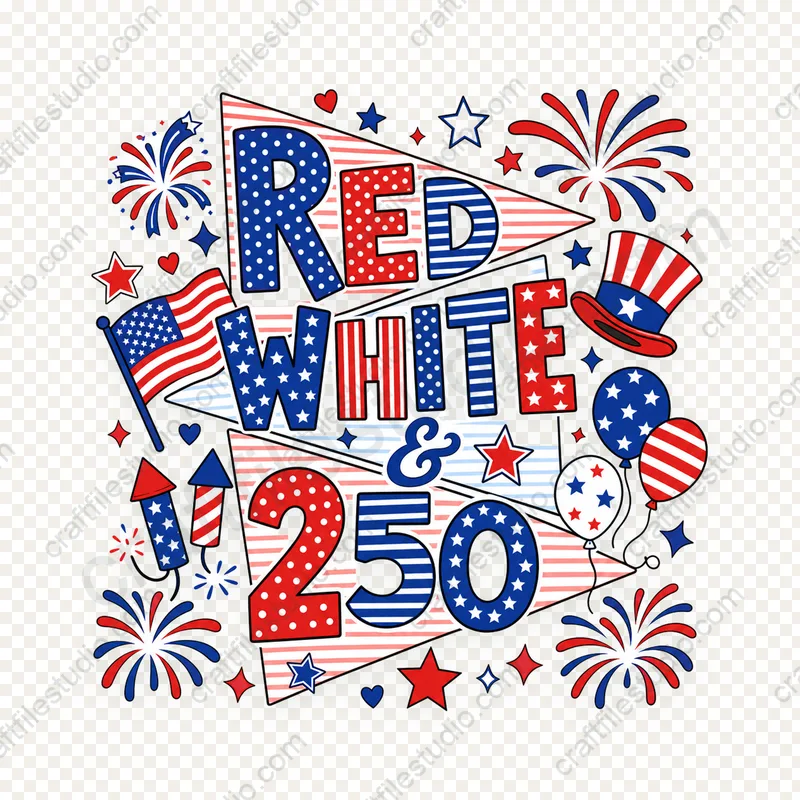
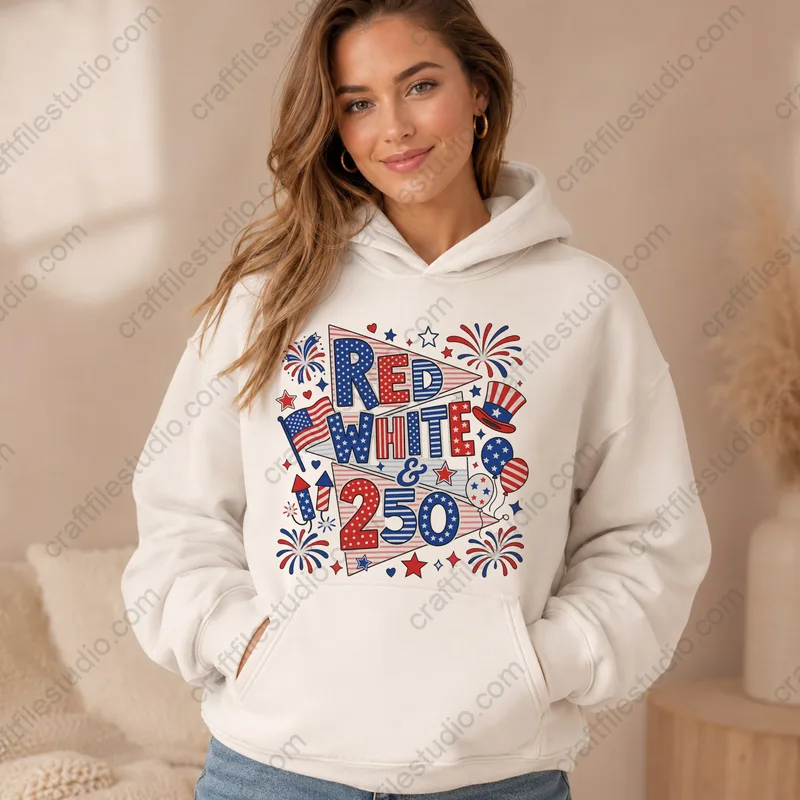
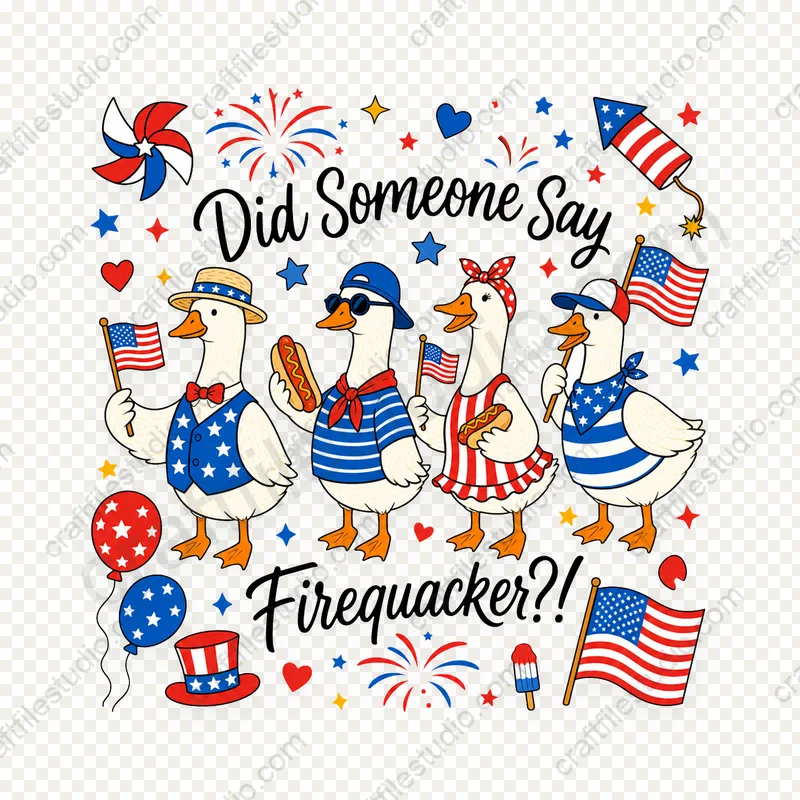
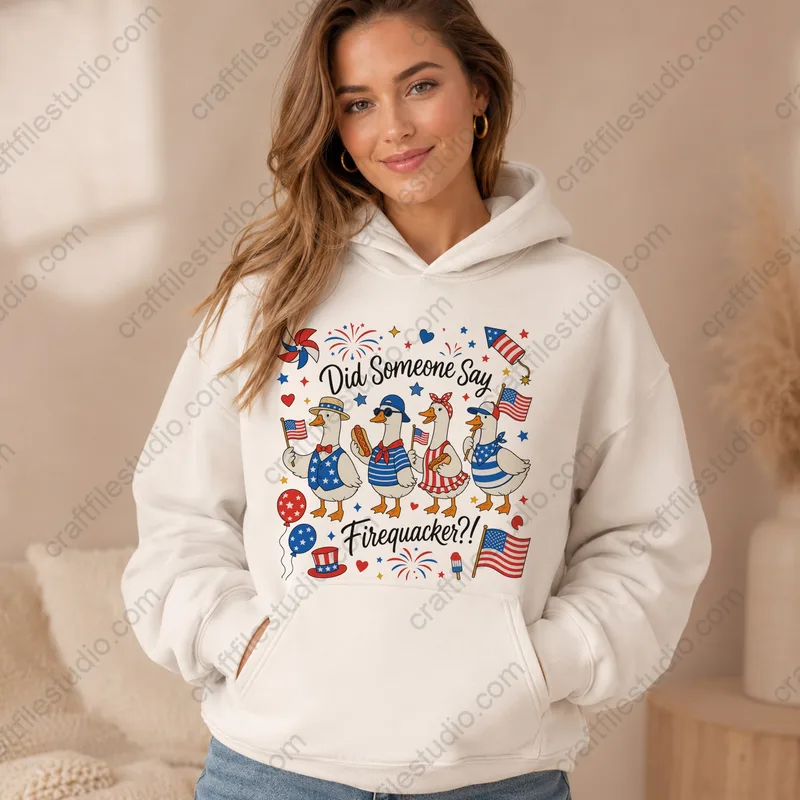
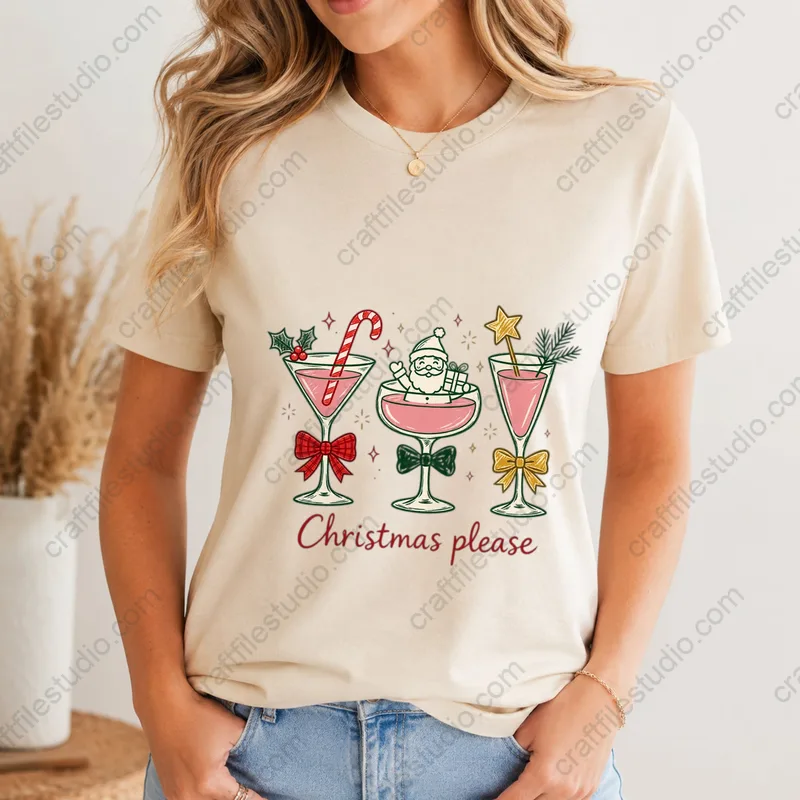
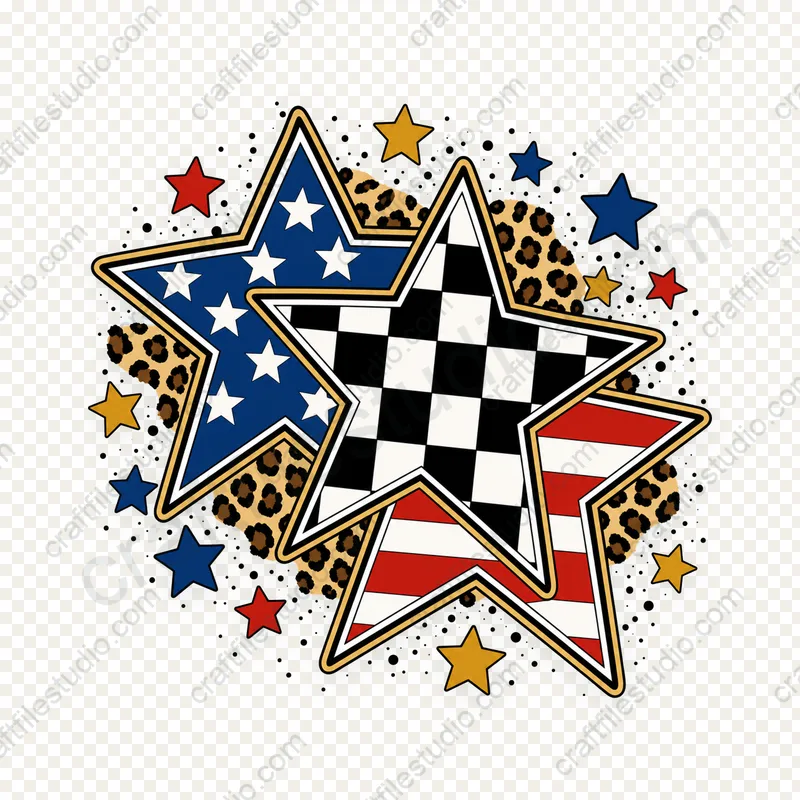
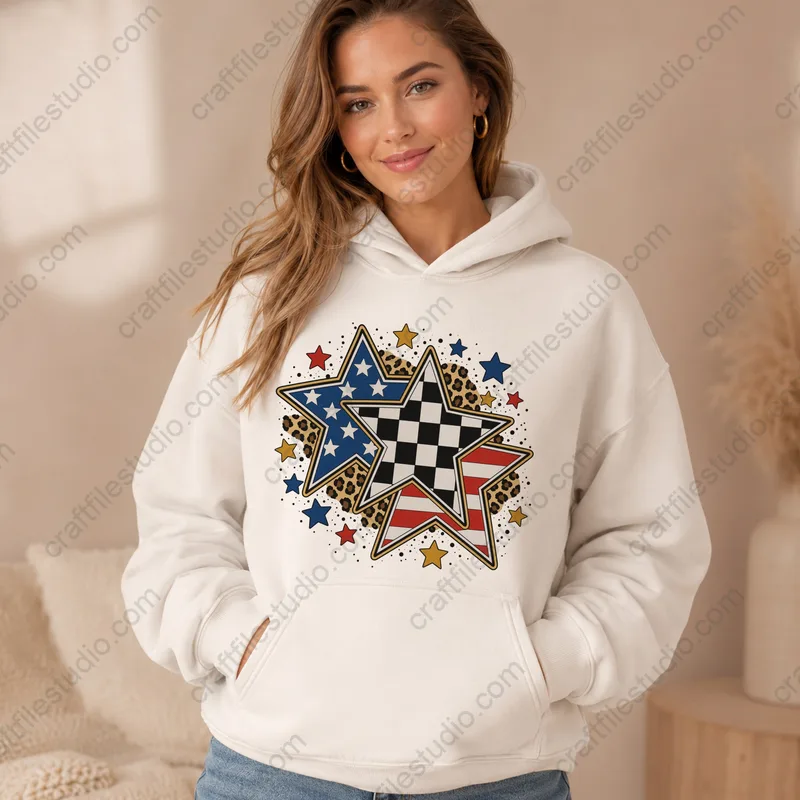
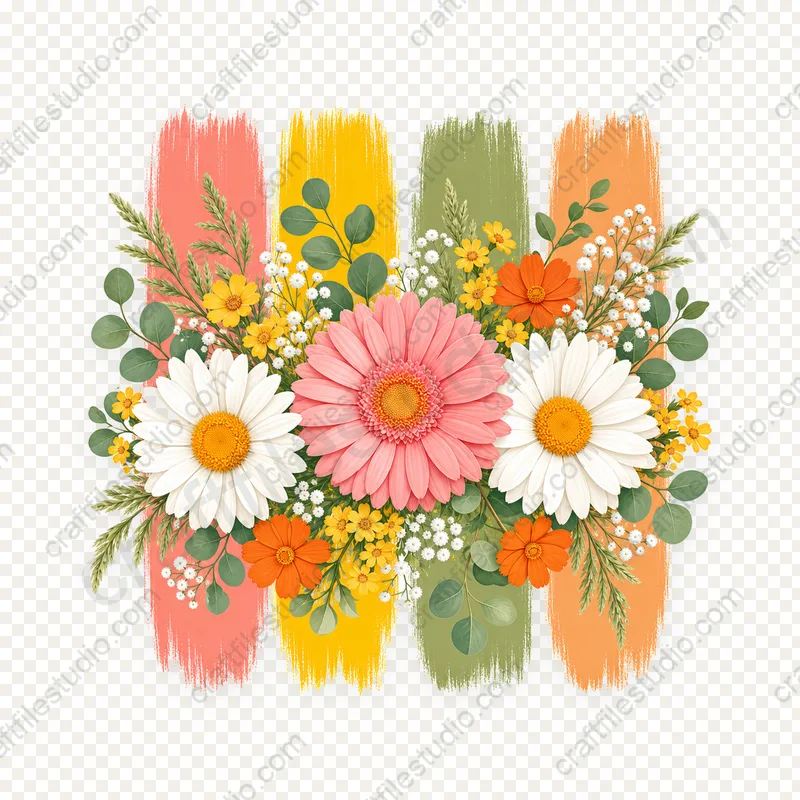
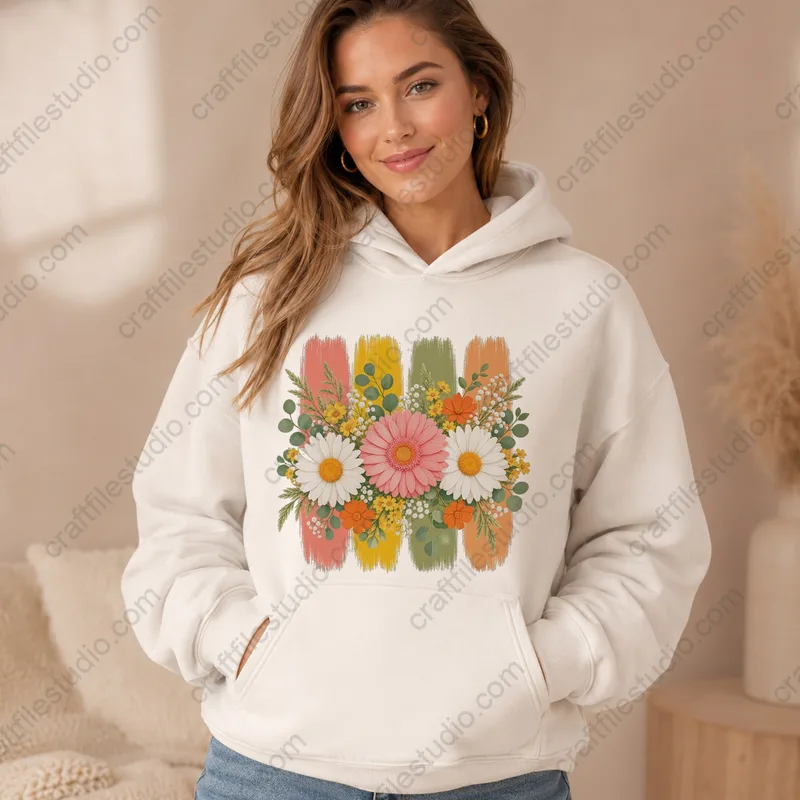
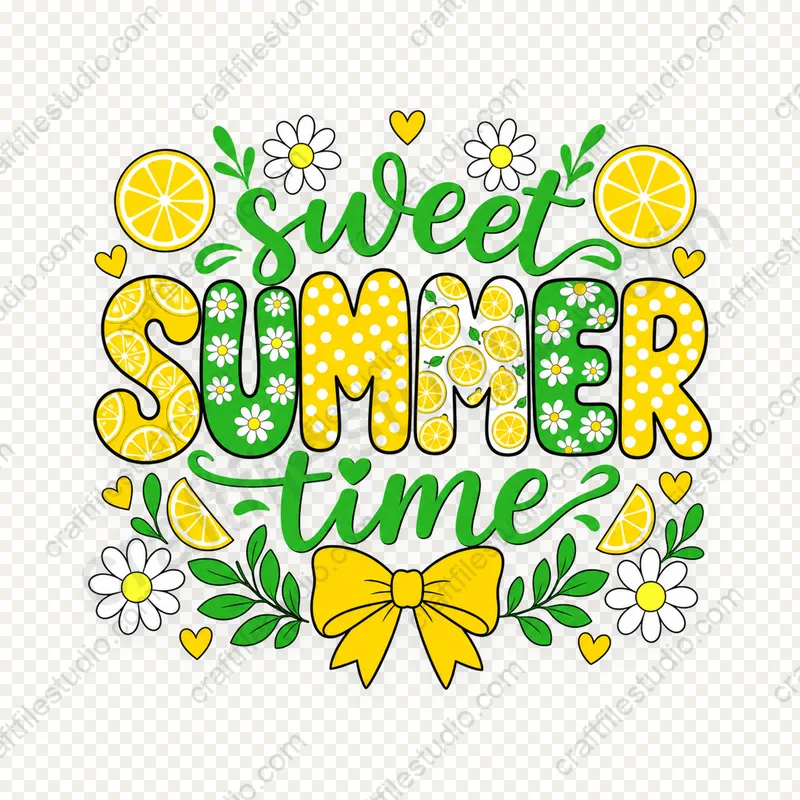
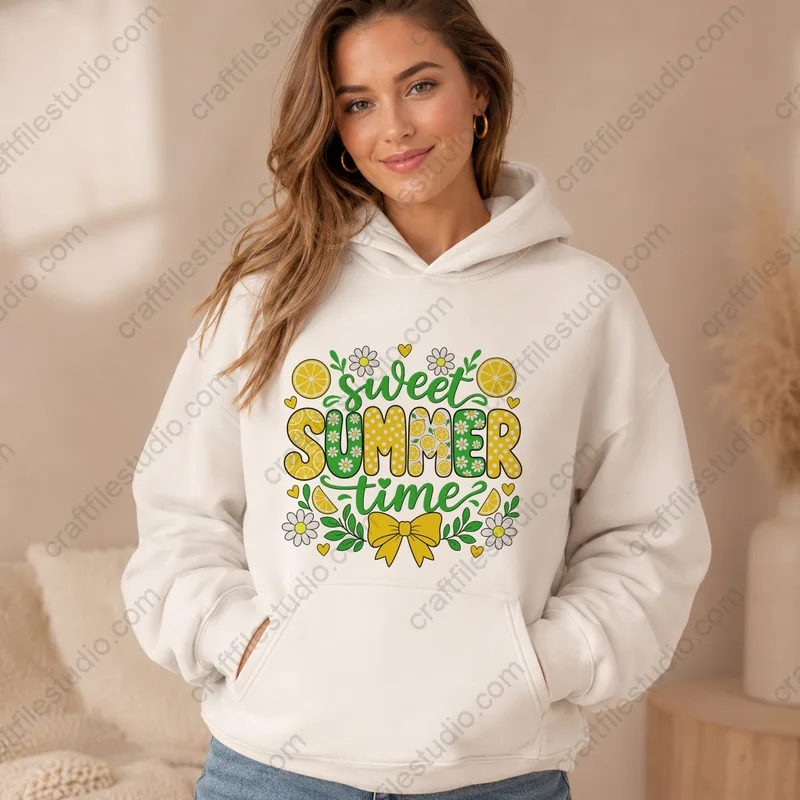
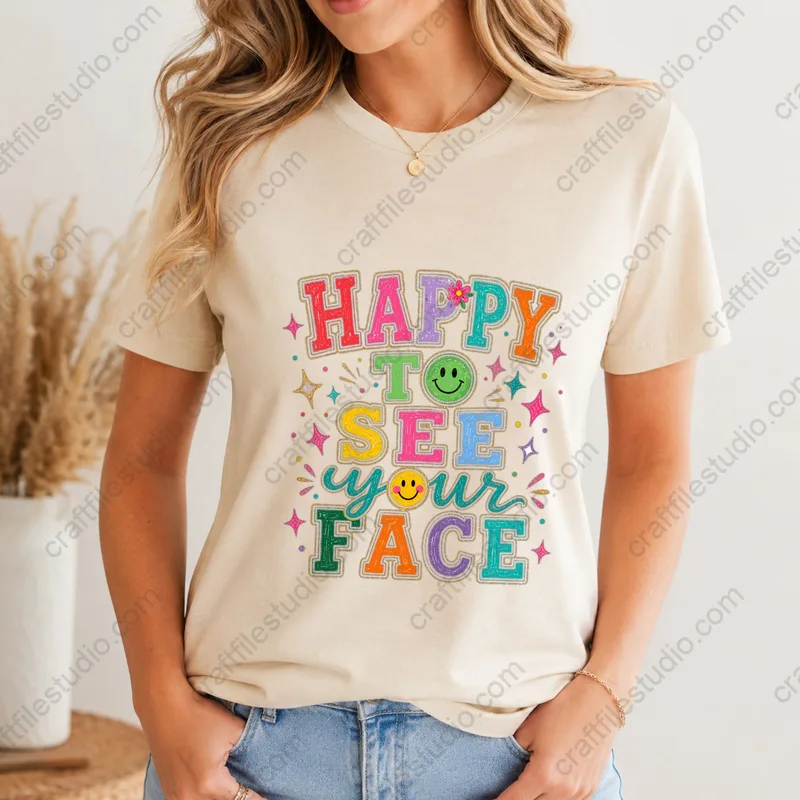
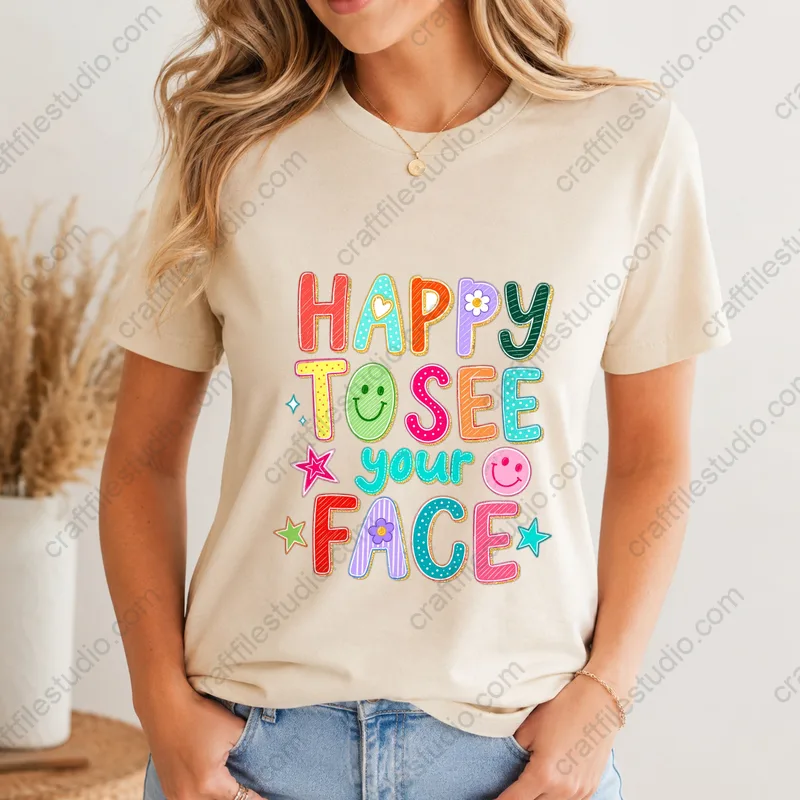
These transparent, 300 DPI PNG designs work for sublimation transfers, stickers, planner pages, and cards. The artwork is hand-drawn, then scanned or created…
These transparent, 300 DPI PNG designs work for sublimation transfers, stickers, planner pages, and cards. The artwork is hand-drawn, then scanned or created digitally.
Open the PNGs in Canva, Procreate, Photoshop, or your printing software. For sublimation, print transfers for compatible polyester blanks or sublimation-coated mugs. Check the pixel dimensions against your intended print size before buying.
How to Choose
Compare the pixel dimensions with your intended print size, especially for larger shirt designs.
Confirm a transparent background, not a white box.
Check the color-mode notes and use the ICC profile recommended for your sublimation printer, ink, and paper.
Choose single designs for one project, bundles for repeated use.
If you plan to sell products printed with these designs, review the Commercial license terms.
10 designs
$3.99 (excl. tax)
Instant download
$3.99 (excl. tax)
Instant download
$3.99 (excl. tax)
Instant download
$2.30 (excl. tax)
Instant download
$2.99 (excl. tax)
Instant download
$4.99 (excl. tax)
Instant download
$2.95 (excl. tax)
Instant download
300 DPI at the listed pixel size.
Yes. For sublimation transfers, mirror the design before printing unless your printing software does it automatically.
Yes. Upload them as images.
These PNGs are made for printing, not for use as vector cut paths. For designs you want to cut directly, browse our SVG cut files.
Christmas orders come in a short window, but making them takes ordinary time: test cuts, material ordering, photos, listings, assembly, packing, and…
The best first material is one that teaches you how the machine cuts without adding too many other steps. Medium-weight cardstock, smooth…
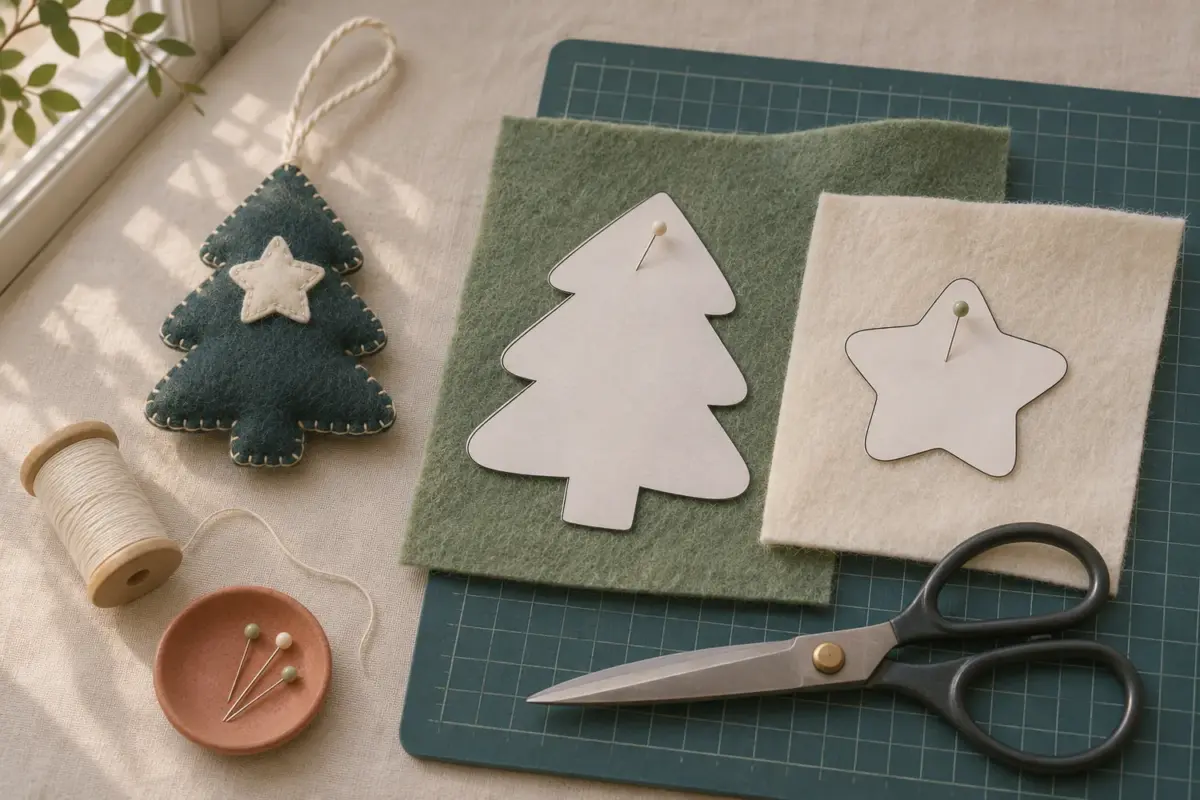
Canva is handy when a printable needs a name, date, or short line of text. It can also change page size or…