
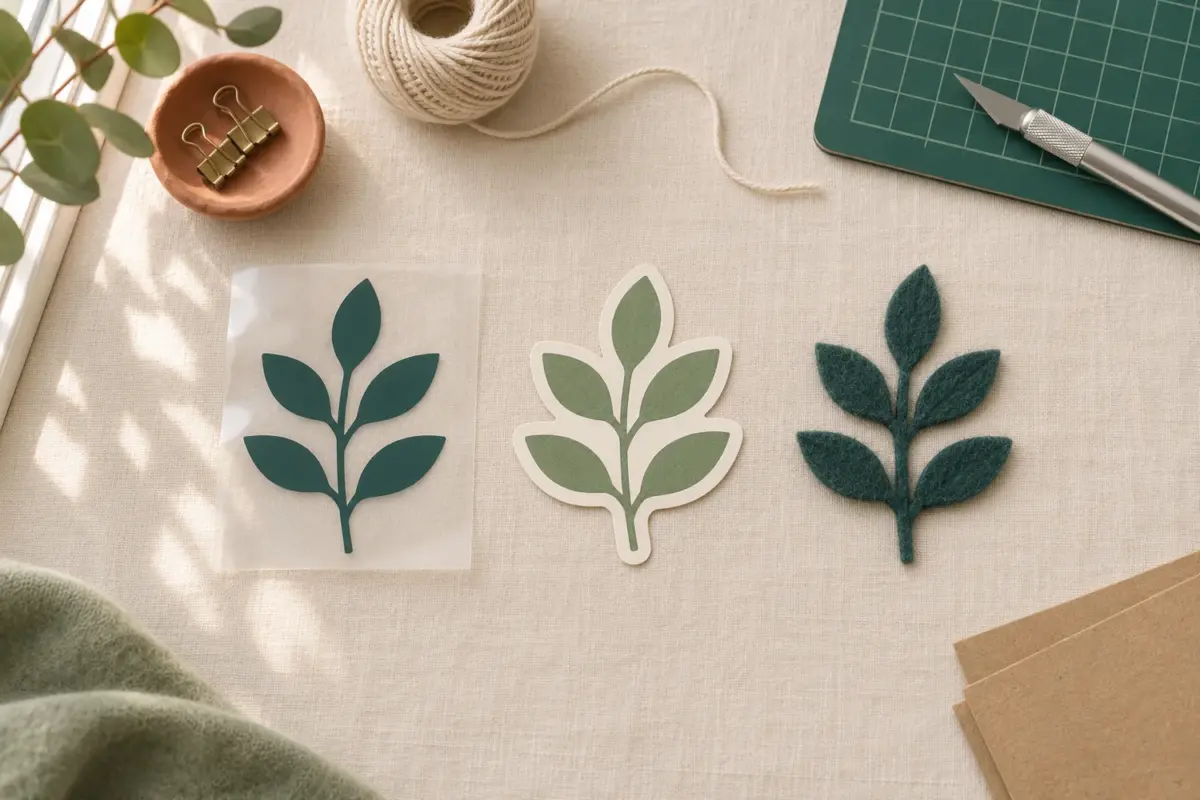
The right download depends on the job, not just the machine on your desk. An SVG and a DXF describe shapes for cutting. A PNG describes a picture made of pixels. Many craft bundles include all three so that the same artwork can serve different tools. Choosing the wrong file can turn a clean cut into a white box, or a bright print into a set of empty outlines.
The three formats at a glance
| Format | What it holds | Best first use | Watch for |
|---|---|---|---|
| SVG | Vector paths, often grouped by color | Cricut cuts and Silhouette Designer Edition cuts | Tiny details that will be hard to weed |
| PNG | Fixed pixels, sometimes with transparency | Sublimation, clipart, and Print Then Cut artwork | Pixel size and unwanted background |
| DXF | Vector geometry for compatible design programs | Silhouette Studio Basic Edition when supplied | Color and group information may need checking |
An SVG can be resized without making its outlines pixelated. That does not mean it will cut at every size. A thin bridge in a paper design or a small vinyl dot still has physical limits. A PNG may look crisp on screen yet print softly if you enlarge it beyond its pixel dimensions. A DXF can preserve cut geometry but may open with less visual styling than an SVG. In every case, inspect the imported file before using a full sheet of material.
Choose by what you plan to make
- Cut a shape from vinyl or cardstock: start with the SVG when your software accepts it. Look for clean paths and a sensible number of layers.
- Use Silhouette Studio Basic Edition: look for a DXF in the download. Basic Edition does not import SVG; Designer Edition or higher adds SVG import.
- Print a full-color transfer: choose the transparent PNG. A cut path alone will not carry watercolor shading or detailed printed color.
- Make a sticker with Print Then Cut: use the PNG for the artwork, then set the cut outline in your software. A product may also include an SVG outline; read its instructions.
- Sew from a template: choose the PDF pattern if the product includes one. SVG, PNG, and DXF do not replace printed assembly directions or a scale test square.
The product page is the final format list. Do not assume that every design includes all three extensions just because another bundle did. Download contents can differ by product and purpose.
When SVG is the useful file
SVG stands for Scalable Vector Graphics. For a cutter, the useful part is its path data: a boundary for the blade to follow. In Cricut Design Space, select Upload, then Upload Image, choose the .svg, and continue through the vector upload. A layered SVG may appear grouped on the Canvas. Check the Layers panel, resize the group, and inspect each mat before cutting.
If several pieces must stay in fixed positions, select them and use Attach. If overlapping pieces should become one outline, use Weld. Those commands have different purposes. Offset creates a new border shape, useful for a paper backing or sticker edge. A new offset is still a cut path, so check its small gaps and corners.
SVG is a poor substitute for a photograph. It can contain complex artwork, but a craft SVG made for a blade is usually meant to produce cut pieces, not preserve soft shading. If the item is described as sublimation art, look for the PNG instead.
When PNG is the useful file
PNG holds a grid of pixels. It can include a transparent background, which lets you place art on a shirt, mug template, or digital canvas without a visible rectangle. Open the file over a colored background to check that the background really is transparent. The gray checkerboard in many editors shows transparency; a white rectangle is part of the image unless you remove it.
For print work, check both pixel dimensions and intended physical size. At 300 pixels per inch, a 3000-pixel-wide image is about 10 inches wide before enlargement. This arithmetic is a planning guide, not a promise that every printer, blank, and transfer will look identical. If the art is too small, choose a larger file rather than stretching it until edges soften.
In Procreate, a PNG can be placed with Actions > Add > Insert a file. In Design Space, PNG follows the basic image upload flow, where you choose how to use the image. That is where older tutorials may mention Image Type or Cut Image; it is not the same path as importing an SVG. For sublimation, print the PNG with the settings for your printer, ink, paper, and blank.
When DXF solves a software problem
DXF is a vector exchange format. For many Silhouette users, its practical role is clear: Silhouette Studio Basic Edition can use a supplied DXF even though SVG import requires Designer Edition or higher. Open the DXF in Studio, check its size, inspect the lines in the Send panel, and make a small test cut. Do not rely on the thumbnail alone.
DXF may not carry colors or group structure in the same way as an SVG. If the design opens as a cluster of separate lines, keep a product preview nearby and group the related pieces after you confirm their placement. If you use Designer Edition, try the SVG first for a layered design. Choose the format that arrives with usable geometry in your installed edition.
A quick file check before you start
- Extract the ZIP and read the product's format list. Do not upload the ZIP itself.
- Match the extension to the task: cut, print, or pattern assembly.
- Open the file in the intended application and confirm the artwork is visible.
- Measure the design at the size of your blank or material.
- Check layers or cut lines, then test one small piece before making multiples.
If a file does not appear, confirm its actual extension in your file browser. Renaming .png to .svg does not create vector paths. If a format was advertised but is absent, ask the seller for the missing file rather than trying to reconstruct it from a preview.
Rights follow the design, not the extension
Changing the file format does not change its license. At CraftFile Studio, Personal covers private projects and gifts; Commercial permits up to 500 finished units per design but no print on demand; Extended permits unlimited units and print on demand. None of these tiers permits reselling or sharing the digital source. Check the license before listing finished products.
Related files
- SVG cut files for vector cutting projects.
- PNG designs for printed artwork and sublimation.
- Printable patterns for measured PDF templates.