
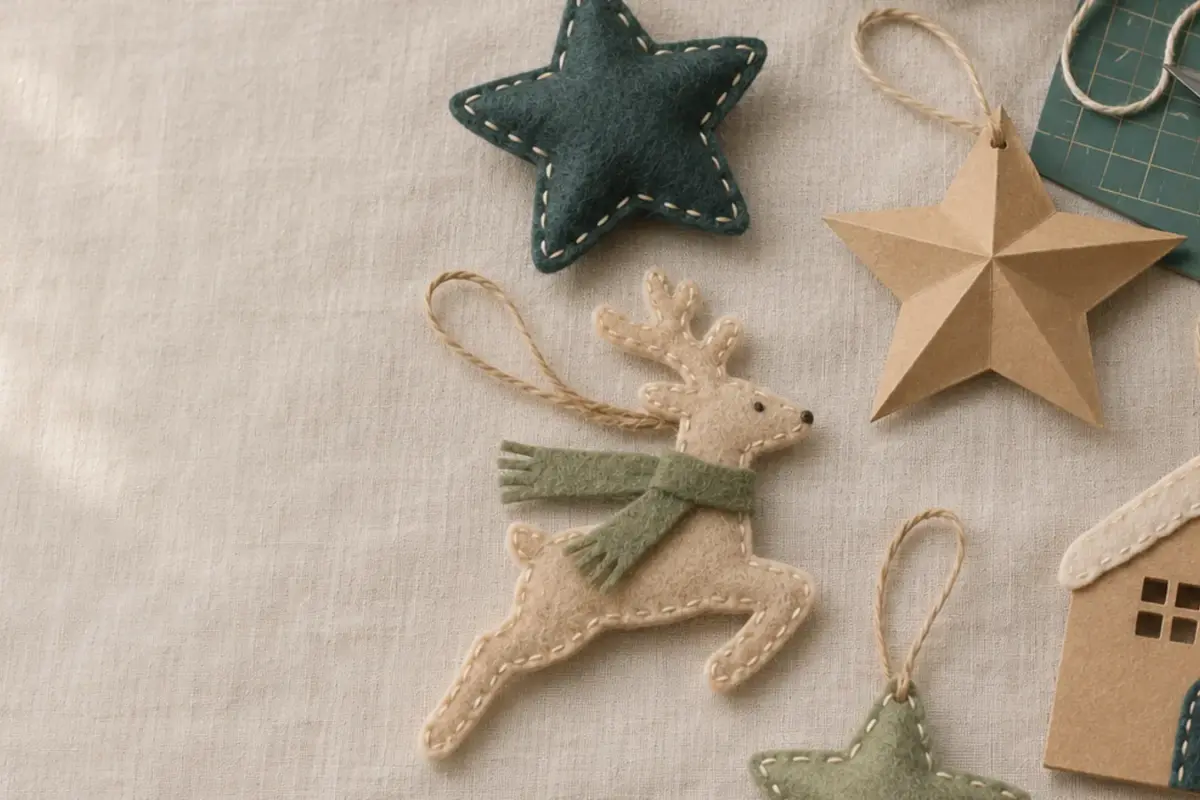
Christmas Craft Planning Calendar for Small Sellers
Christmas orders come in a short window, but making them takes ordinary time: test cuts, material ordering, photos, listings, assembly, packing, and…
Printables solve small problems: a weekly planner page, a set of pantry labels, a birthday card you can fold and write in. Each template is laid out for…
Printables solve small problems: a weekly planner page, a set of pantry labels, a birthday card you can fold and write in. Each template is laid out for standard paper sizes, with margins designed for home printing.
Print the templates as provided, or upload a PNG to Canva to add text or adjust the layout. Only templates marked editable include text boxes you can change. Other designs leave room for handwriting. Use cardstock for cards and tags.
How to Choose
Check paper size: Letter, A4, or both.
Check the printable margins if your printer clips the edges.
Decide whether you need an editable template or a print-ready file.
Choose cardstock weight by project: try 65 lb cardstock for tags or 80 lb for cards, if your printer supports it.
If you plan to sell printed items, choose a Commercial license.
New designs are added to the shop as they are finished. Browse the full shop in the meantime.
Some templates can be edited in Canva. Check the product page to see which ones.
Most home inkjet and laser printers work, provided they support the selected paper size.
Yes, for personal use. If you plan to sell printed copies, you need a Commercial license.
No cutting machine is needed for most templates. You can trim printed cards and labels with scissors or a paper trimmer.
Christmas orders come in a short window, but making them takes ordinary time: test cuts, material ordering, photos, listings, assembly, packing, and…

The best first material is one that teaches you how the machine cuts without adding too many other steps. Medium-weight cardstock, smooth…

Canva is handy when a printable needs a name, date, or short line of text. It can also change page size or…