
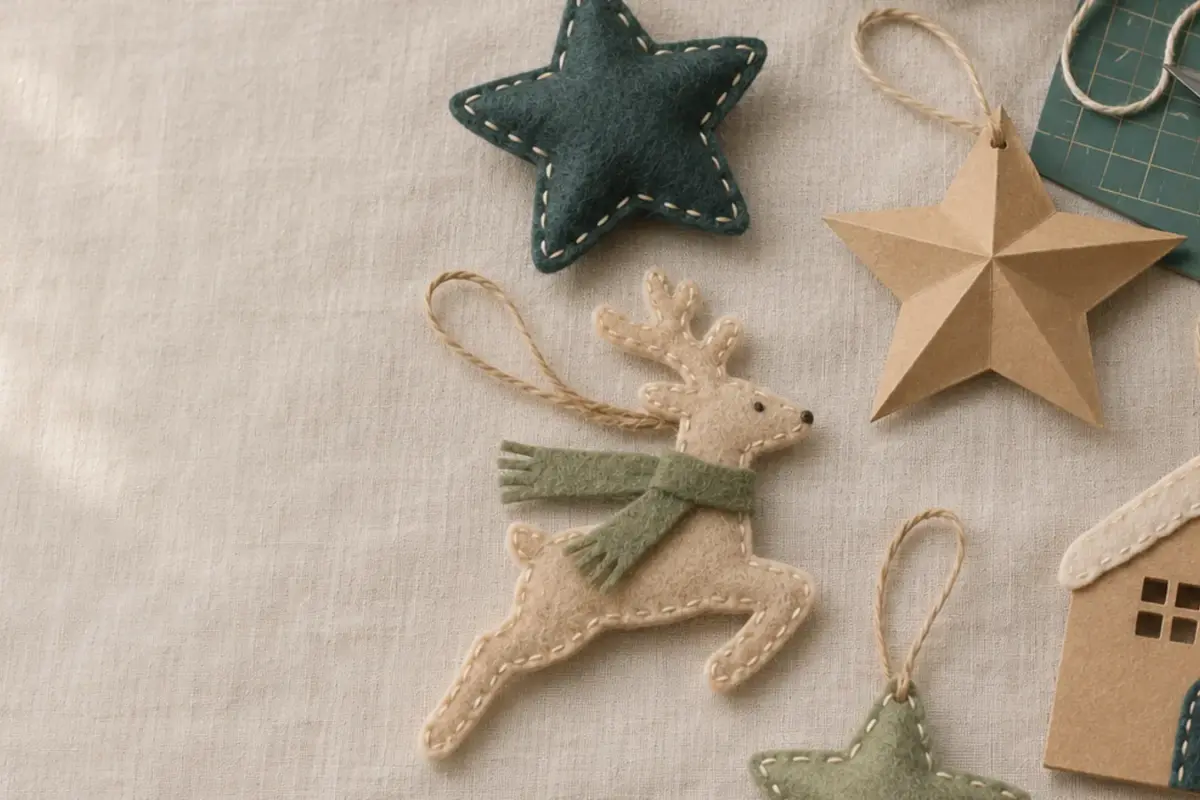
Christmas Craft Planning Calendar for Small Sellers
Christmas orders come in a short window, but making them takes ordinary time: test cuts, material ordering, photos, listings, assembly, packing, and…
These elements are painted with real watercolor, scanned, cleaned, and cut out onto transparent backgrounds. You get soft edges, pigment blooms, and the small…
These elements are painted with real watercolor, scanned, cleaned, and cut out onto transparent backgrounds. You get soft edges, pigment blooms, and the small imperfections that make paper goods feel handmade.
They suit invitations, greeting cards, planner stickers, and social graphics. Open them in Canva, Procreate, Goodnotes, or Photoshop. They are raster PNG files, so check the listed dimensions before enlarging for print.
How to Choose
Check the pixel size against your largest print.
Zoom in on the preview to check for stray pixels or rough edges around each element.
Choose a muted or bright palette to match your project.
Pick bouquets for focal art and sprigs for borders.
If you plan to sell finished printed products, choose a Commercial license or Extended license.
New designs are added to the shop as they are finished. Browse the full shop in the meantime.
Yes. Each element starts as a watercolor painting, then is scanned and cleaned for digital use.
You can resize them, but enlarging beyond the listed dimensions may make them look blurry or pixelated.
These are raster PNGs, not SVG cut files. For designs with cut paths, browse our floral SVG cut files.
Yes, they have transparent backgrounds.
Christmas orders come in a short window, but making them takes ordinary time: test cuts, material ordering, photos, listings, assembly, packing, and…

The best first material is one that teaches you how the machine cuts without adding too many other steps. Medium-weight cardstock, smooth…

Canva is handy when a printable needs a name, date, or short line of text. It can also change page size or…